Free Shopify Store Audit: What It Checks and How to Use Your Results
When a store isn't selling the way it should, most owners start guessing. Maybe it's the ads. Maybe it's the price. Maybe it's the theme. Weeks go by changing things at random, and it's hard to tell what helped.
A store audit replaces the guessing with a checklist. It looks at your store the way a shopper, Google and AI search tools see it, and shows you what's getting in the way.
I built the free Naxatech store audit for exactly this. Here's what it checks, how to read your results, and how to decide what to fix first.
Quick answer: what is a Shopify store audit?
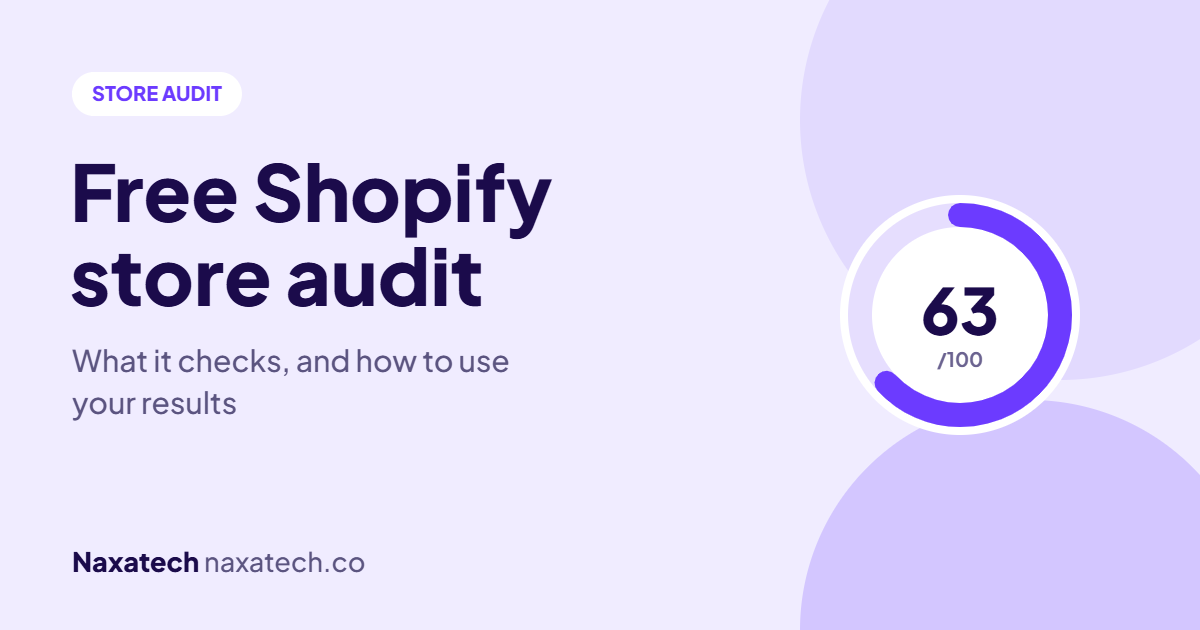
A store audit is a health check of your online store that looks for problems affecting sales and visibility, like missing SEO details, slow pages, weak product pages, missing trust signals and checkout friction. The free Naxatech audit runs in about a minute, needs only your store's web address, and gives you a Store Growth Score out of 100 plus a list of issues ranked by how much they matter.
What the free audit checks
The audit reads the public parts of your store, the same pages any visitor can see. It doesn't need a login or password, and it doesn't change anything on your store. It checks six areas:
- SEO: page titles, meta descriptions, headings, image alt text, structured data and indexing basics. These decide whether people can find you on Google.
- Conversion: trust signals, reviews, calls to action, and whether your policies and contact details are easy to find. These decide whether visitors buy.
- Technical: speed, page weight, scripts, broken files and Core Web Vitals.
- Product pages: images, descriptions, and the details shoppers need before they buy.
- Cart and checkout: friction like hidden shipping costs, missing express payment options or extra steps.
- AI search readiness: whether tools like ChatGPT and Google's AI answers can read and understand your store well enough to recommend it.
How to read your results
Your Store Growth Score
The score out of 100 sums up your store's overall health across the six areas. Think of it as a starting point rather than a grade. A lower score doesn't mean your store is bad. It means there's more room to grow, and the report shows where.
Your category scores
Each area gets its own score. This is often more useful than the overall number, because it shows where the biggest gaps are. A store can score well on checkout and poorly on product pages, and that tells you exactly where to focus.
Your biggest revenue leaks
The report highlights the few issues most likely to be costing you sales right now, with a plain explanation of the impact. If you only have time to fix three things, start here.
Issue severity
Each issue is marked by severity, from critical problems to smaller improvements, so you can see what's urgent and what can wait.
"Not enough verified data"
Sometimes the audit can't read enough of a section to score it fairly, for example if product data is blocked or a page didn't load during the check. Instead of guessing, it tells you the section wasn't verified. You can run the audit again, or add a specific product page link so it has more to test.
How to turn your results into more sales
- Start with the revenue leaks. These are closest to the money.
- Fix critical issues next, especially anything on your best-selling product pages or in checkout.
- Work area by area. Pick your lowest category score and fix its issues before moving on.
- Make changes on a copy of your theme, check them, then publish. That way nothing breaks on your live store.
- Run the audit again after your changes to see your score improve and catch anything you missed.
Not every fix needs a developer. Things like writing meta descriptions, adding alt text and showing shipping information on product pages can be done in your Shopify admin. Others, like structured data, speed and theme changes, are easier with help.
Want it fixed for you?
Every issue in the report has a Fix this for me button. Tap it, and our team handles that fix for you. Every change is made on a copy of your theme and goes live only after you approve it. If you want several areas improved at once, the report also shows our optimisation packages.
Run your free store audit
Paste your store link and get your Store Growth Score, category scores and the exact issues costing you sales, in about a minute. No login or passwords needed.
Frequently asked questions
Is the store audit really free?
Yes. You can run it on your store at no cost and see the full report. You only pay if you choose to have us fix something for you.
Do I need to give you access to my store?
No. The audit only reads the public pages of your store, the same ones any visitor sees. It never asks for your password or admin access.
Does the audit work on stores that aren't on Shopify?
It's built for Shopify stores, where it can read the most detail. Many checks, like SEO, speed and trust signals, still work on other platforms, but some sections may show as not verified.
How often should I audit my store?
Run it whenever you make big changes, like a new theme, new apps or a redesign, and every month or two otherwise. Apps and theme updates can quietly introduce new problems.
Want to understand the results in more depth? Read 9 things quietly costing your store orders and how to get your store recommended by AI, or message me on WhatsApp with your results.
Brian Cole, Naxatech
Get the exact steps to fix it
Each Growth Kit gives you the steps, settings, templates and a checklist for this problem. Download it instantly and work through it at your own pace.