Shopify Store Redesign: Signs It's Time and How to Do It Without Losing Sales or Rankings
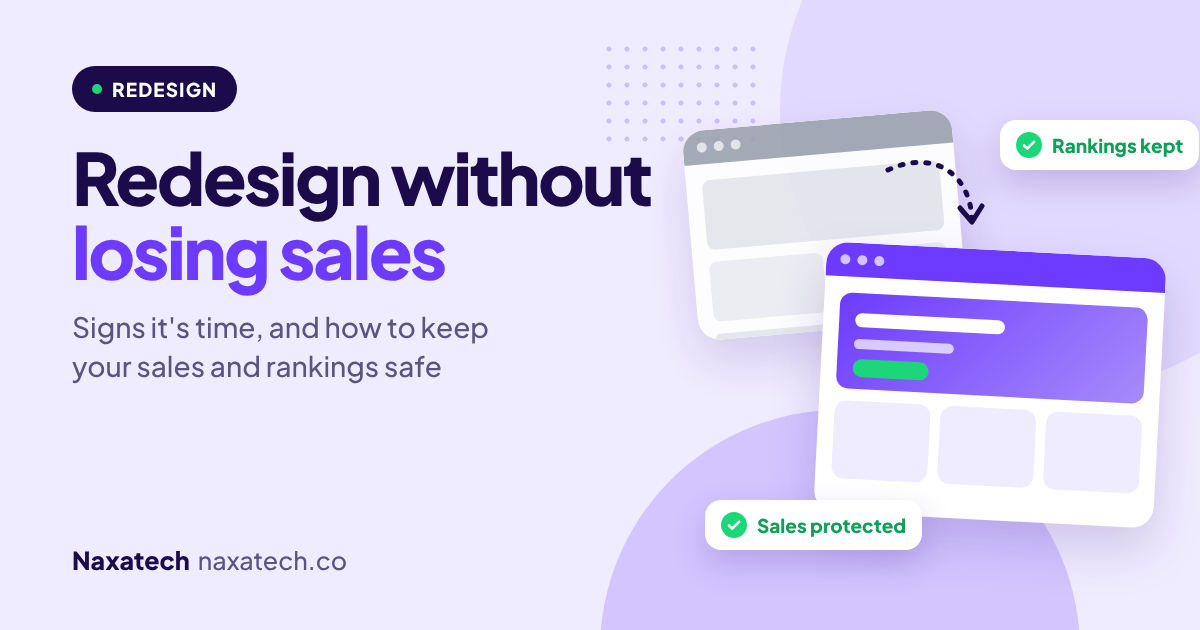
A new design can feel like the fix for everything. The store looks dated, sales are flat, and a fresh theme seems like the way out.
Sometimes it is. But I've also seen redesigns that looked great and quietly hurt sales, because they removed things that were working, broke links that Google had ranked for years, or slowed the store down.
Here's how to tell whether you actually need a redesign, and how to do one without losing sales or rankings.

Quick answer: how do you redesign a Shopify store safely?
Redesign safely by building the new design on a duplicate theme, keeping your product and page addresses the same, carrying over your SEO titles, descriptions and content, testing everything on mobile before launch, and watching your sales and search traffic closely afterwards. If any page address has to change, set up a redirect from the old address to the new one.
Signs it's time for a redesign
- Your store looks noticeably older or less trustworthy than your competitors
- It's hard to use on a phone, and most of your visitors are on phones
- Your theme is old, unsupported, or so heavily customised that every change breaks something
- Your brand, products or audience have changed and the store no longer fits
- You've already fixed the basics, and the design itself is now what's holding conversions back
Signs you don't need one yet
If the real problems are slow pages, thin product descriptions, missing reviews or a clumsy checkout, a new theme won't fix them. Fix those first. They're faster, cheaper and less risky, and you may find you don't need a full redesign at all.
Before you start
- Write down your current numbers: conversion rate, average order value, top pages and top search queries. You need a baseline to compare against.
- List what's working. Your best-selling pages, sections and messages should survive the redesign.
- Keep a backup. Download or duplicate your current theme so you can go back if needed.
During the redesign
Build on a duplicate theme
Never redesign your live theme. Build on a copy, preview it, and share the preview link to get feedback, while your current store keeps selling.
Keep page addresses the same
Your product, collection and page addresses are what Google has ranked. A new theme doesn't change them on its own, but restructuring your store or renaming products can. If an address must change, Shopify can create a redirect from the old address to the new one. You can also manage redirects in your Shopify admin's URL redirects settings.
Carry over your SEO and content
Keep your page titles, meta descriptions, product descriptions, image alt text and collection descriptions. Check that headings and structured data still work in the new theme.
Don't lose what was converting
Reviews, trust badges, size guides, shipping information and FAQs often get lost in a redesign because they lived in old apps or custom code. Make a checklist and confirm each one is in the new design.
Test on real phones
Test every key page on a phone: home, collections, products, cart and checkout. Check speed with PageSpeed Insights, and make a test order before you launch.
After launch
- Watch your conversion rate and sales daily for the first two weeks
- Check Google Search Console for new errors or pages dropping out of the index
- Fix any broken links or missing pages quickly
- Keep the old theme in your library for a while, just in case
Find out what to fix before you redesign
The free Naxatech store audit shows whether your store's issues are design, speed, SEO or conversion, so you only change what actually needs changing.
Frequently asked questions
Will changing my Shopify theme hurt my SEO?
Not if you do it carefully. Changing themes doesn't change your product and page addresses by itself. Rankings usually drop when content, titles or page addresses are lost or changed without redirects.
How long does a Shopify redesign take?
It depends on the size of the store and how custom the design is. A theme change with careful setup can take a couple of weeks, while a fully custom design takes longer.
Should I redesign or just optimise my current store?
If the store works but underperforms, optimising, with better product pages, speed and trust, is usually faster and safer. Redesign when the theme itself is the obstacle.
Can I redesign without closing my store?
Yes. Build the new design on a duplicate theme while your current one stays live, then publish it when it's ready.
Planning a redesign? See our Shopify store builds service, read how to hire a Shopify expert, or message me on WhatsApp.
Brian Cole, Naxatech
Get the exact steps to fix it
Each Growth Kit gives you the steps, settings, templates and a checklist for this problem. Download it instantly and work through it at your own pace.