Facebook Ads Not Converting? Fix These Store Problems Before You Raise Your Budget
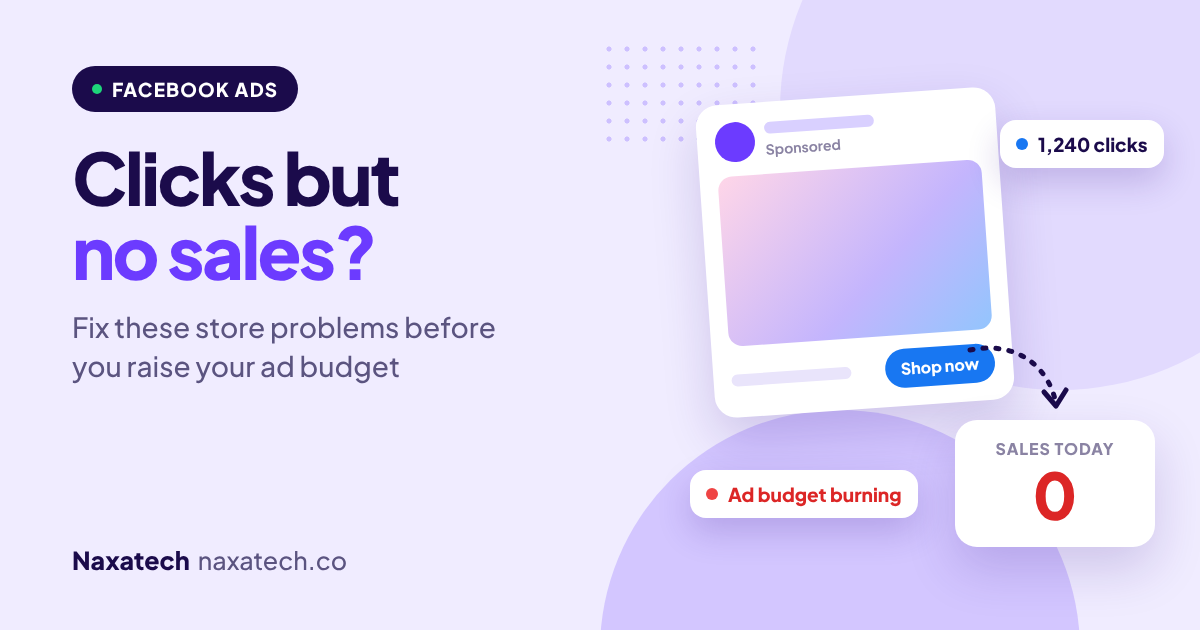
Your Facebook and Instagram ads are getting clicks. People are landing on your store. But the sales aren't following, and every day the ad spend climbs.
The natural reaction is to blame the ads: change the creative, try a new audience, raise the budget to "get more data". Sometimes the ads really are the problem. But very often, the ads are doing their job and the store is where the sale is lost.
Here's how I check whether the problem is the ad or the store, and the fixes that usually matter most before you spend another dollar.

Quick answer: why are my Facebook ads getting clicks but no sales?
When ads get clicks but no sales, the most common causes are a landing page that doesn't match the ad, a store that's slow or confusing on mobile, not enough trust for a cold visitor, or tracking that isn't recording sales properly. Fix the landing page and tracking first. Raising the budget on a store that doesn't convert only loses money faster.
First, find out where people drop off
Look at your numbers in order: link clicks, landing page views, add to carts, checkouts started and purchases. The biggest drop shows you where to look.
- Lots of clicks, few landing page views: your page is slow or people bounce before it loads.
- Page views, but few add to carts: the product page isn't convincing cold visitors.
- Add to carts, but few purchases: something in the cart or checkout is stopping them.
- Sales in Shopify but not in Ads Manager: your tracking is broken, so Meta can't optimise.
1. The ad and the landing page don't match
If your ad shows a specific product and offer, but the click lands on your homepage or a general collection, people have to start searching. Most won't.
Fix: Send each ad to the exact product or collection it shows, with the same offer, price and wording visible at the top of the page.
2. The page is slow on mobile
Most Facebook and Instagram traffic is on phones, often on mobile data, and inside the app's own browser. A heavy page loses people before they see anything.
Fix: Test the landing page on your phone over mobile data. Compress big images, remove unneeded apps and popups, and read how page speed quietly cuts your sales.
3. Cold visitors don't trust you yet
Someone scrolling Instagram has never heard of your brand. Compared with a Google searcher who was already looking, they need more reassurance before buying.
Fix: Make reviews, customer photos, your returns promise and contact details easy to see on the landing page. Use the product page fixes in this guide.
4. The offer isn't strong enough for a first purchase
A good product at a normal price can still be a hard sell to a stranger. Cold traffic often needs a reason to act now.
Fix: Test a clear first-order offer, a bundle, free shipping or a guarantee. Keep it honest and make sure the numbers still work for your margins.
5. Tracking is broken or incomplete
If Meta isn't seeing your purchases, it can't learn who your buyers are, and your ads get worse over time. This is one of the most common problems I find.
Fix: Connect your store through the official Facebook & Instagram app on Shopify, which sets up the Meta Pixel and the Conversions API. Then compare purchases in Shopify with purchases in Ads Manager. Some difference is normal, but a big gap means something is wrong.
6. Checkout friction
A shopper coming from Instagram is often a single tap away from giving up. Forced accounts, missing express payment and surprise shipping costs hit ad traffic especially hard.
Fix: Turn on express checkout, allow guest checkout and show shipping costs before the final step. More on this in why shoppers abandon their cart.
When it really is the ad
If people aren't clicking at all, or the people who click clearly aren't your buyers, then it's time to work on the ads: a stronger hook in the first seconds, clearer product shots, and a more specific audience or creative angle. But fix the store first, so the ads you test have a fair chance.
What to fix before you raise your budget
- Check tracking, so you're judging the ads on real numbers.
- Match every ad to the right landing page.
- Speed up and simplify the mobile landing page.
- Add trust and a clear first-purchase reason.
- Then scale gradually, raising budgets step by step while watching your cost per purchase.
Is your store ready for ad traffic?
Before you spend more on ads, run the free Naxatech store audit. It checks the speed, product pages, trust signals and checkout issues that turn paid clicks into lost money.
Frequently asked questions
How long should I wait before judging a Facebook ad?
Give a new ad set enough time and budget to collect real data, usually several days, before making big changes. Changing things every day resets the learning and makes results harder to read.
What is the Conversions API, and do I need it?
It sends purchase and other events from your store to Meta directly, alongside the pixel in the browser. It helps fill in gaps caused by ad blockers and browser privacy settings. On Shopify, you can set it up through the Facebook & Instagram app.
Should I send ads to my homepage?
Usually not. Ads convert best when they land on the exact product or collection they show. The homepage makes people search again.
Is it better to run more ads or fix the store?
If people click but don't buy, fix the store first. Better conversion makes every future ad cheaper. If nobody clicks, work on the ads.
Want someone to fix both sides? See our Facebook & Instagram ads service or message me on WhatsApp and tell me what you're spending and selling.
Brian Cole, Naxatech
Get the exact steps to fix it
Each Growth Kit gives you the steps, settings, templates and a checklist for this problem. Download it instantly and work through it at your own pace.